Stockroom and display, counted apart
Move any amount from the stockroom to the shelf and both counts update. You decide how many go out, not the system.
PantryGo follows every batch from delivery to checkout. It sells the oldest stock first, warns you before anything turns, and shows which items are actually moving off the shelf.
Stock arrives in batches, sits in two places, and sells one scan at a time. PantryGo was written around that, not around a generic product list.
Move any amount from the stockroom to the shelf and both counts update. You decide how many go out, not the system.
Every batch carries its own date. Items turn amber as they approach it and red once they pass, on the dashboard and in the alert bell.
Sales are sorted into movement bands so you can see which goods are tying up money on the shelf and which to reorder.
Past sales are read into a ranked list of what to keep in stock, so restocking is a decision rather than a guess.
When a shelf runs low, the clerk sends a request and the stockroom sees it immediately, with the aisle and shelf already filled in.
Daily, quarterly, and yearly sales in plain charts and tables, with every transaction searchable by date.
A sale at the counter is the only moment that matters, so it carries the rest of the system with it.
Scanning the barcode pulls the product, its price, and every open batch of it in your store.
Stock comes off the batch nearest its expiry date first, so older goods leave the shelf before newer ones.
Low-stock warnings, movement bands, and the day's sales total all update from the same sale.
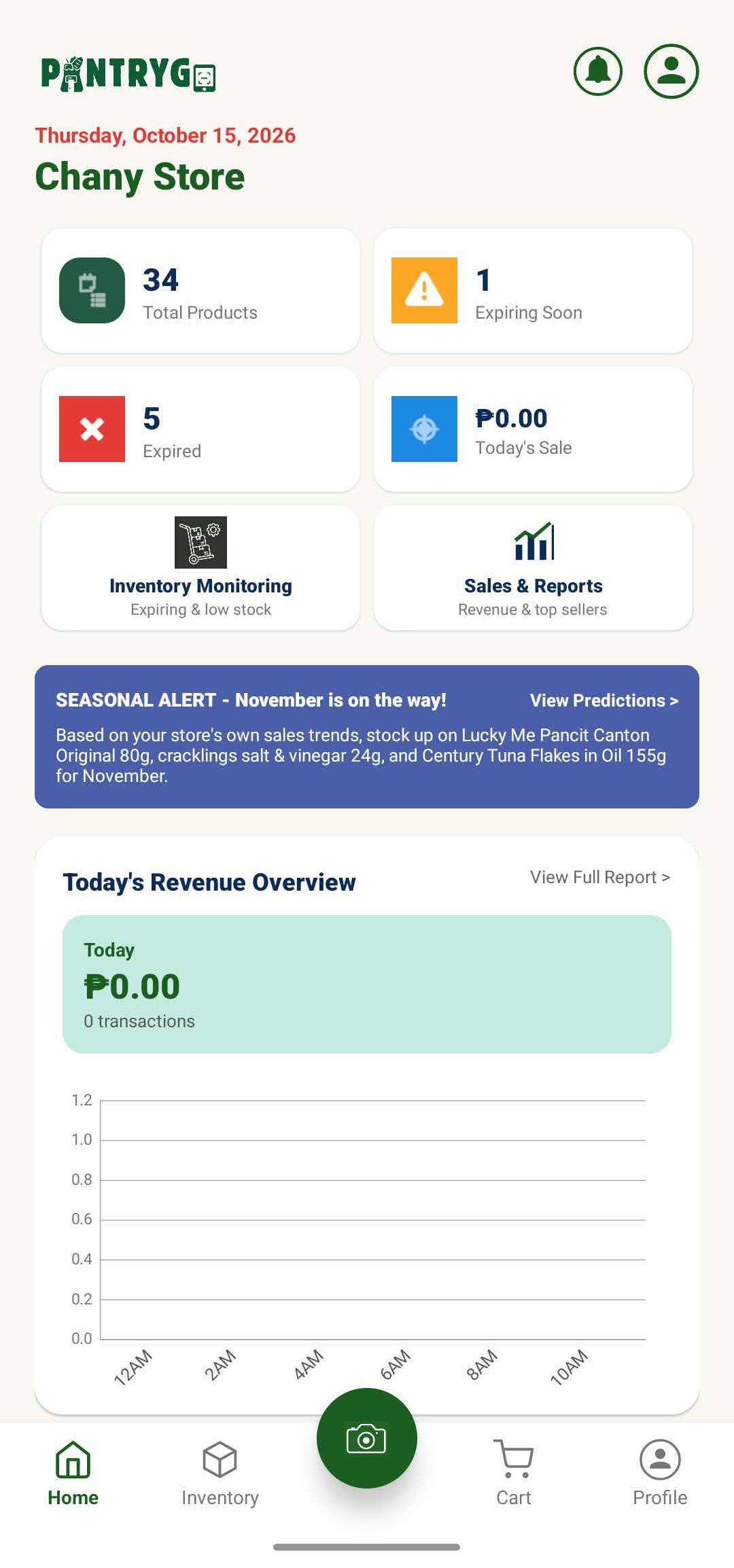
The Android app opens on the same figures as the web dashboard, pulled from one database. Whatever the counter records, the office sees.
One store, three kinds of account. Staff get what their job needs and nothing else.
Runs the store and sees all of it.
Works the counter.
Keeps the shelves filled.
Register your store, add a few products with their batches, and sell from the counter. The reports fill themselves in.